Course Syllabus
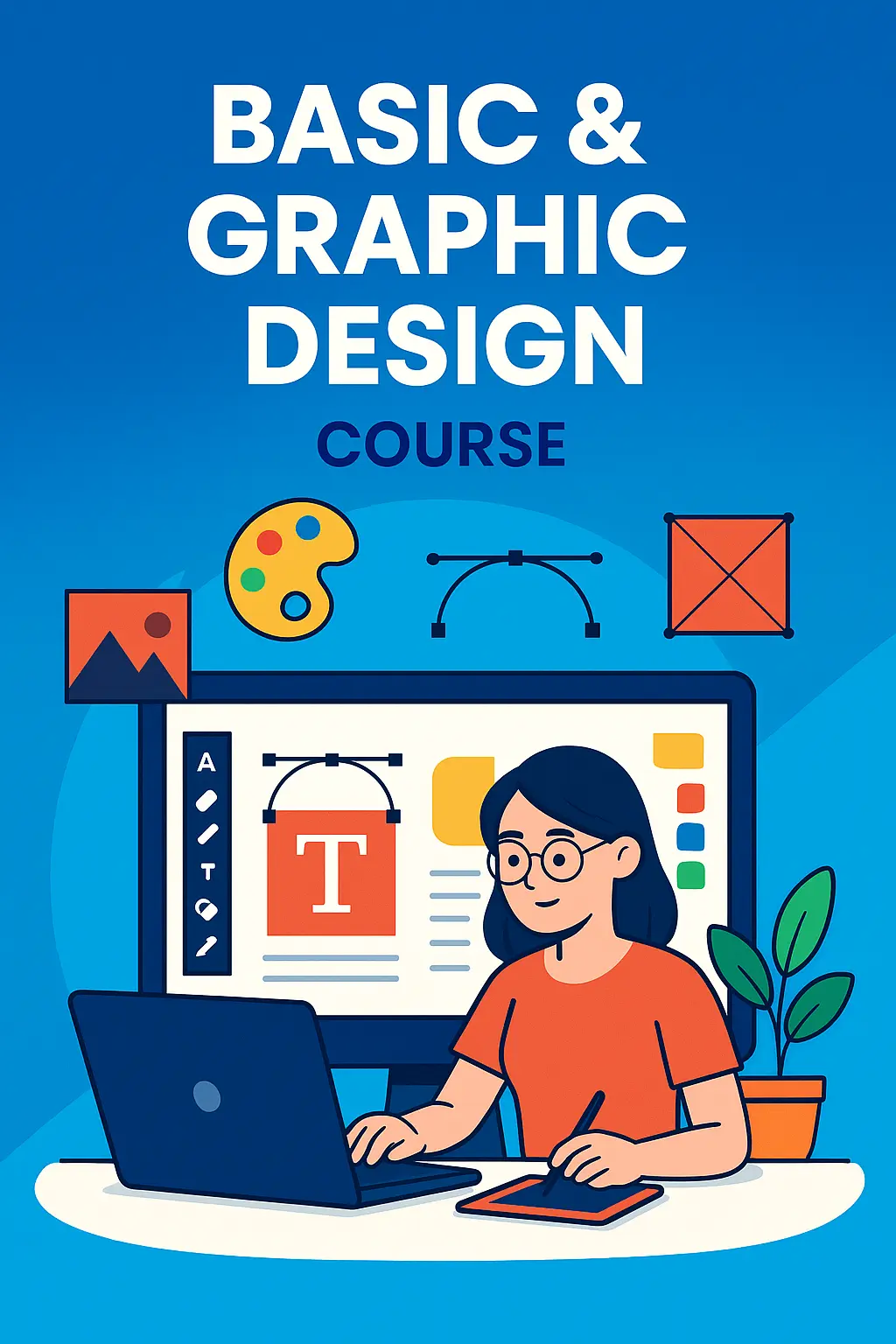
🎨 Graphic Designing Course Syllabus
Tools Covered: CorelDRAW 2021, Adobe Photoshop, Illustrator, ImageReady
🧩 Module 1: Design Fundamentals
- Principles of design: balance, contrast, alignment, repetition, proximity
- Color theory and psychology
- Typography: fonts, hierarchy, readability
- Layout and composition techniques
🖌️ Module 2: CorelDRAW 2021 Mastery
- Interface overview and workspace customization
- Vector illustration basics: shapes, curves, and nodes
- Logo design and branding assets
- Working with layers, effects, and styles
- Preparing files for print and export
🖼️ Module 3: Adobe Photoshop Essentials
- Image editing and retouching techniques
- Working with layers, masks, and blending modes
- Photo manipulation and compositing
- Creating social media graphics and web banners
- Exporting for web and print formats
✏️ Module 4: Adobe Illustrator Techniques
- Vector drawing and pen tool mastery
- Creating scalable illustrations and icons
- Typography and text effects
- Designing infographics and digital assets
- Using artboards and exporting assets
🔄 Module 5: Adobe ImageReady (Legacy Tool)
- Optimizing images for web use
- Creating animated GIFs and rollovers
- Slicing and exporting HTML-compatible graphics
- Integration with Photoshop workflows
 Bestseller